The Review Process: Best Practices for Advancing & Declining Proposals (for Leads)
Last updated: October 11, 2026
In this guide, we'll walk you through best practices for evaluating proposals and the process of advancing or declining proposals in Halo's streamlined 2-stage review system.
Navigate to https://www.halo.science/reviewer_dashboard
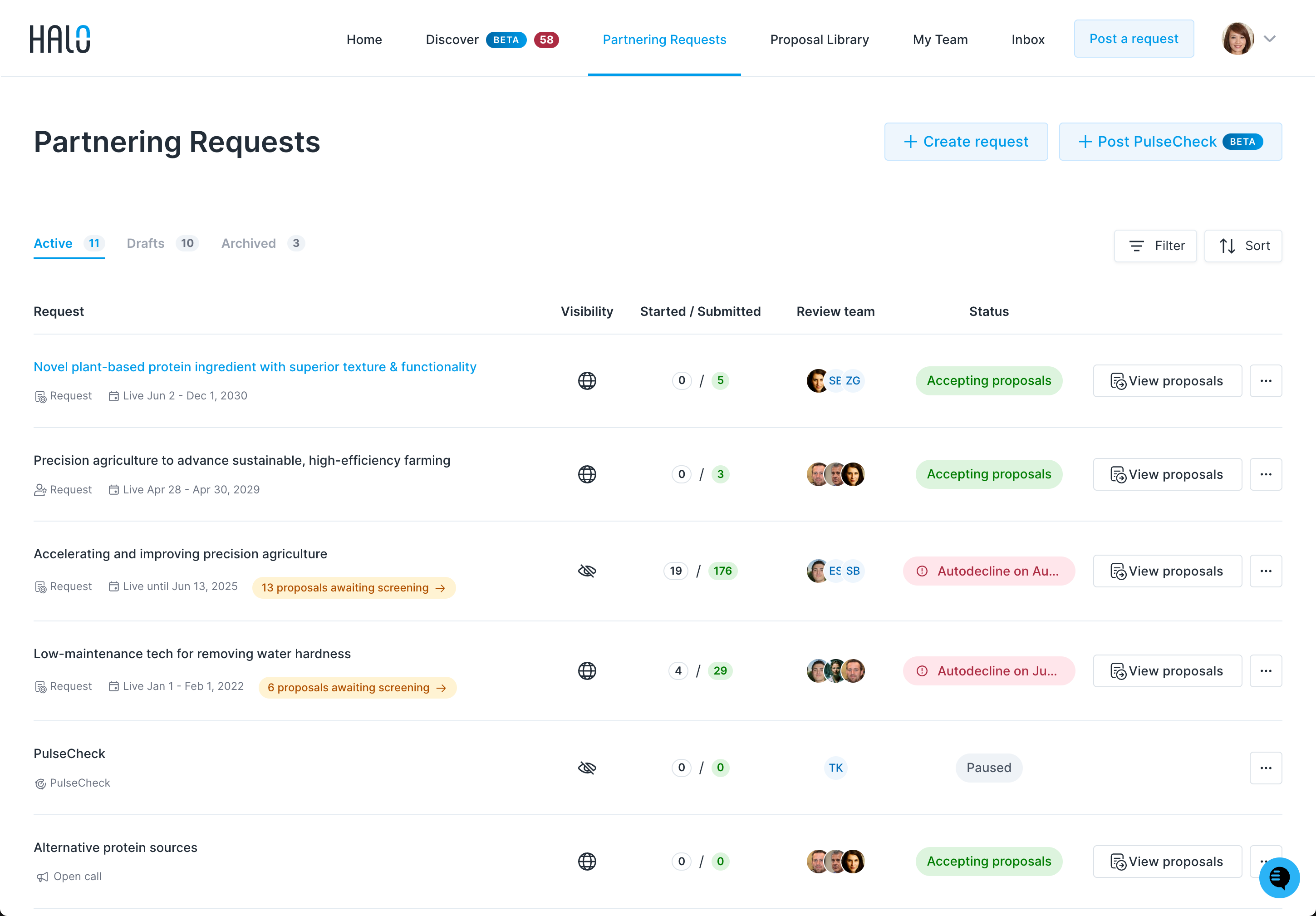
Click the title of your partnering request to access the proposals submitted by innovators.
All proposals begin in the 1. Screen tab.
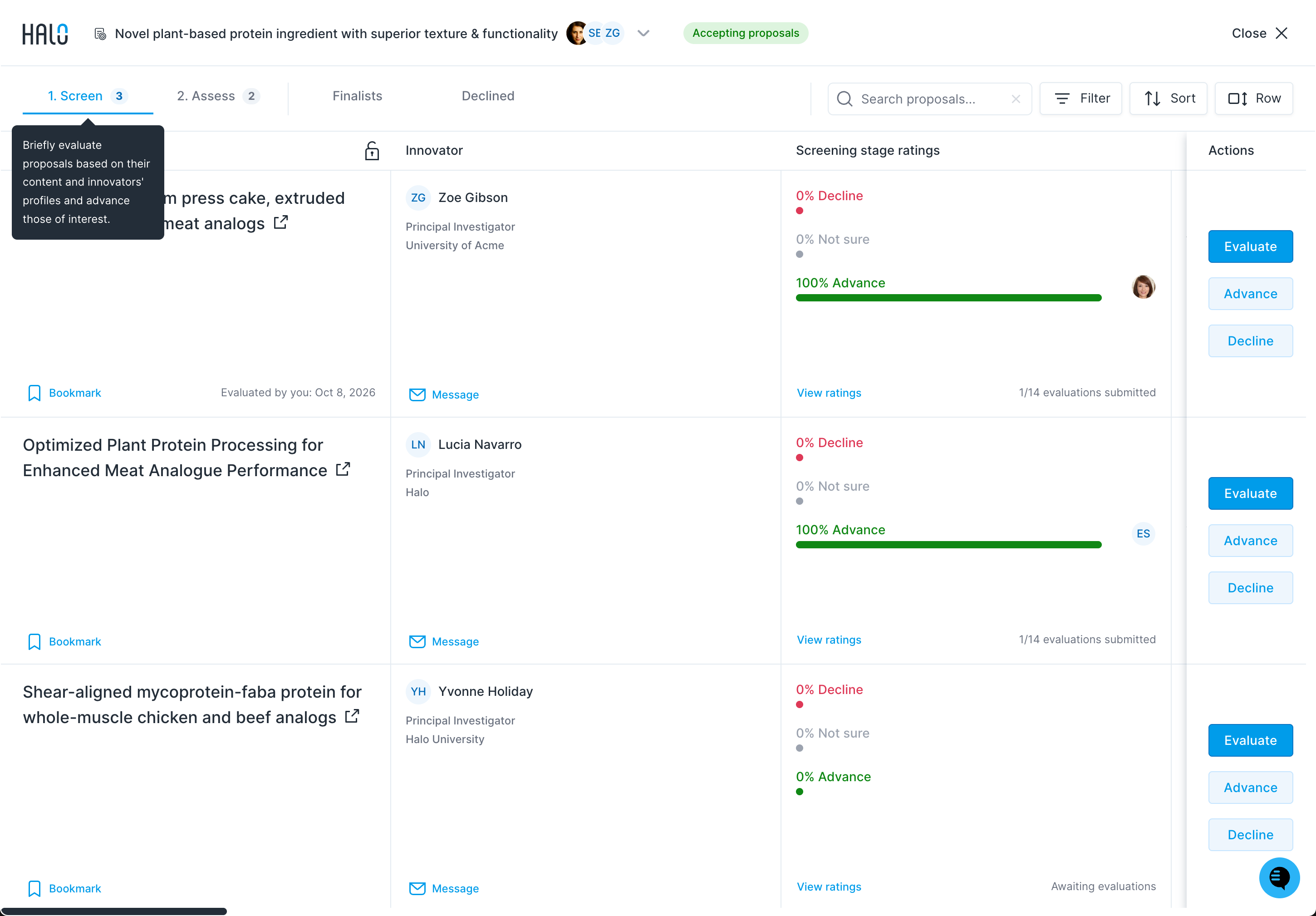
Best practice: During the screening stage, you and your review team should briefly evaluate each proposal based on its content and the innovator’s profile. You'll conduct a more in-depth review during the assessment stage.
Click the Advance button on the actions panel or evaluation pane to move a proposal to 2. Assess. Innovators will receive an automated email notification explaining that their proposal has been advanced. After advancing, the proposal row shows Advanced by [name]: with the date.
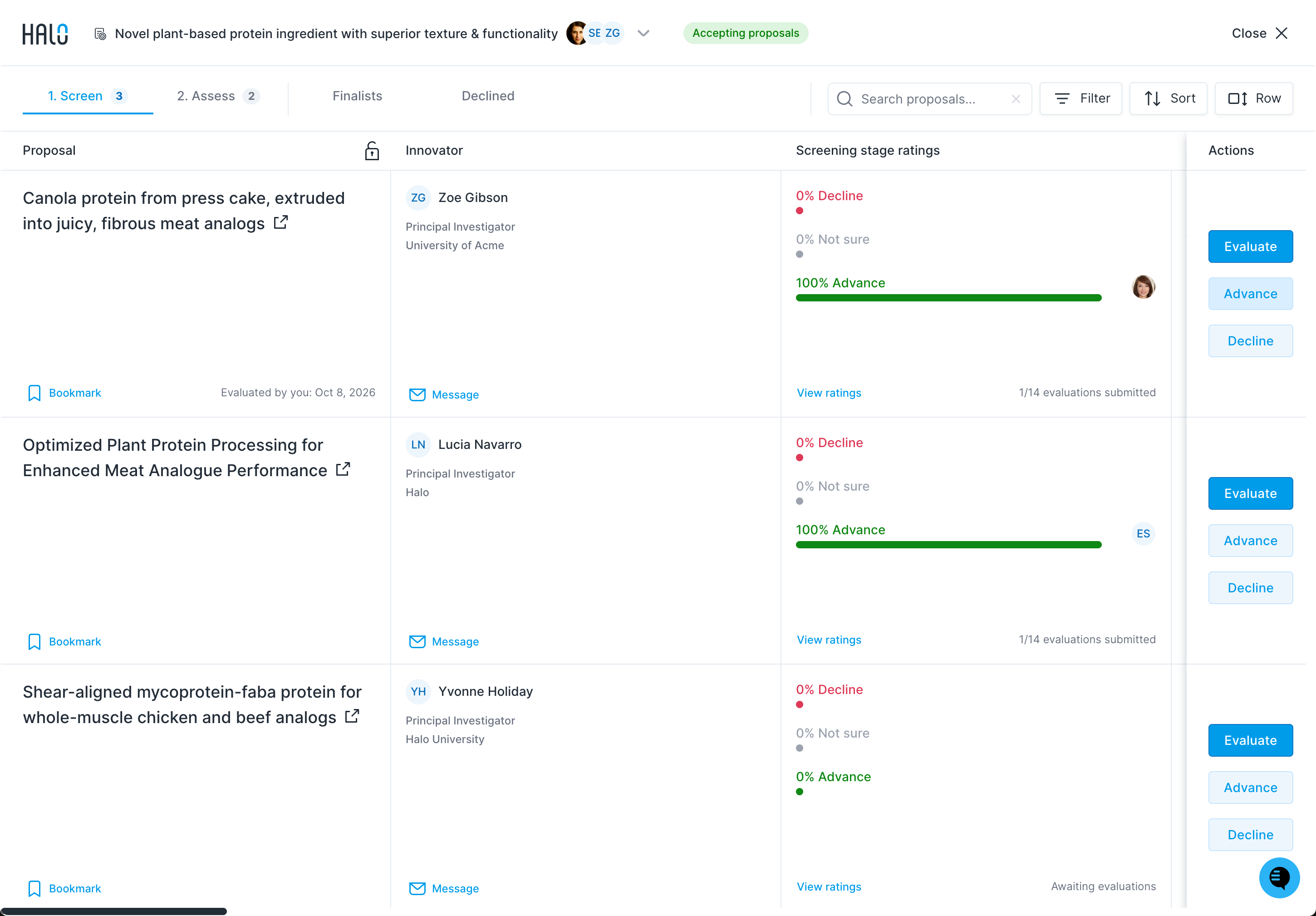
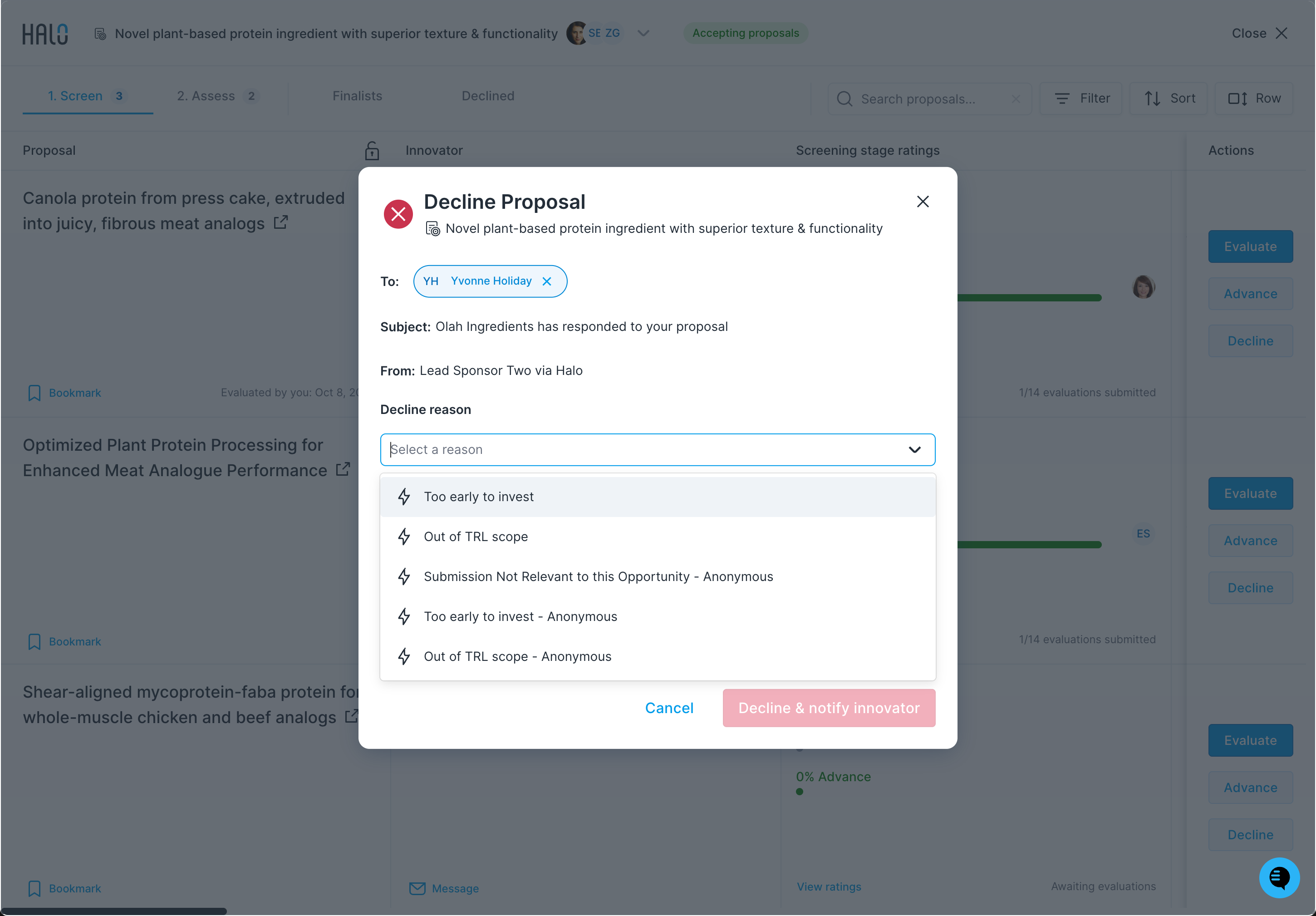
To decline proposals, click the Decline button.
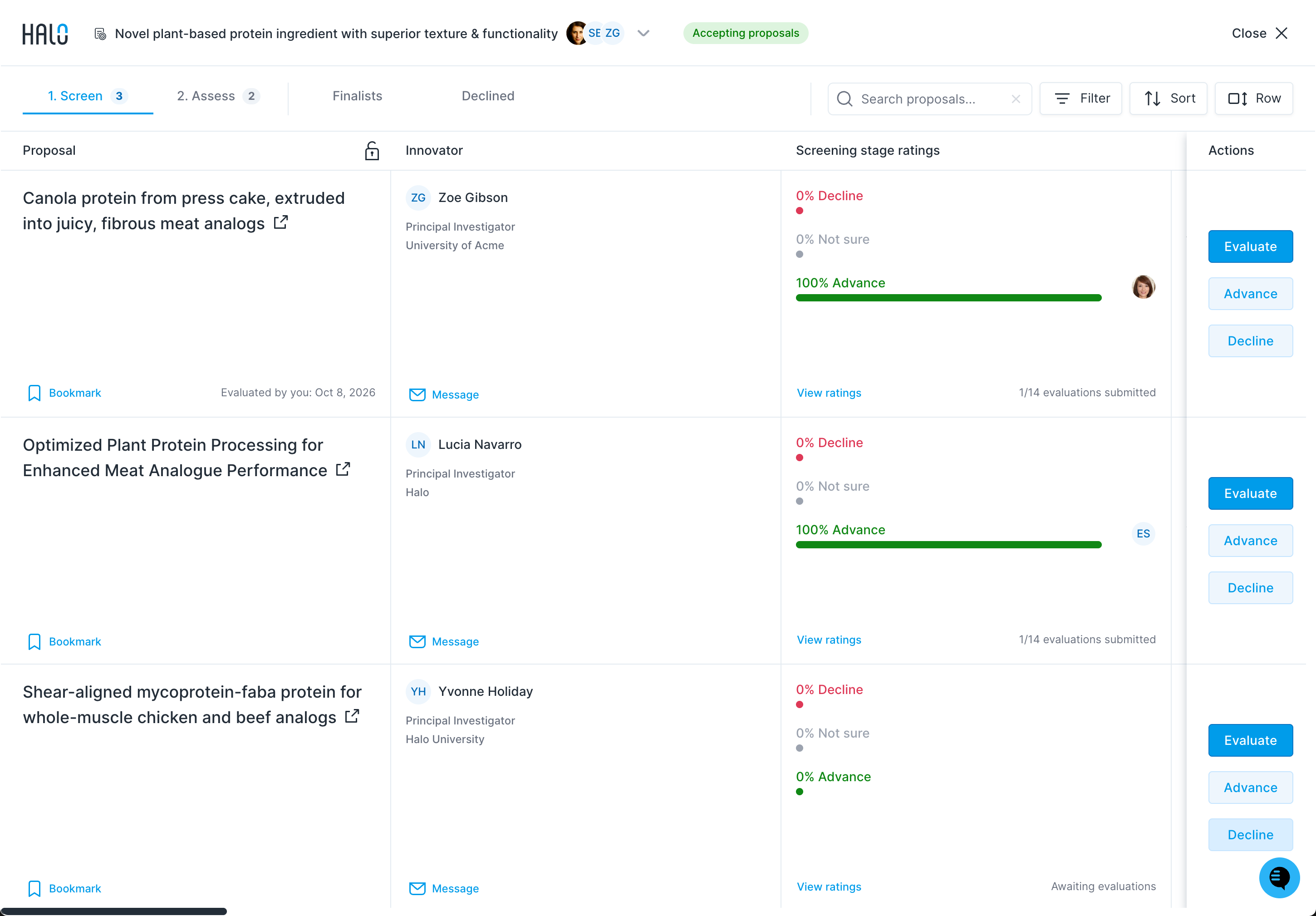
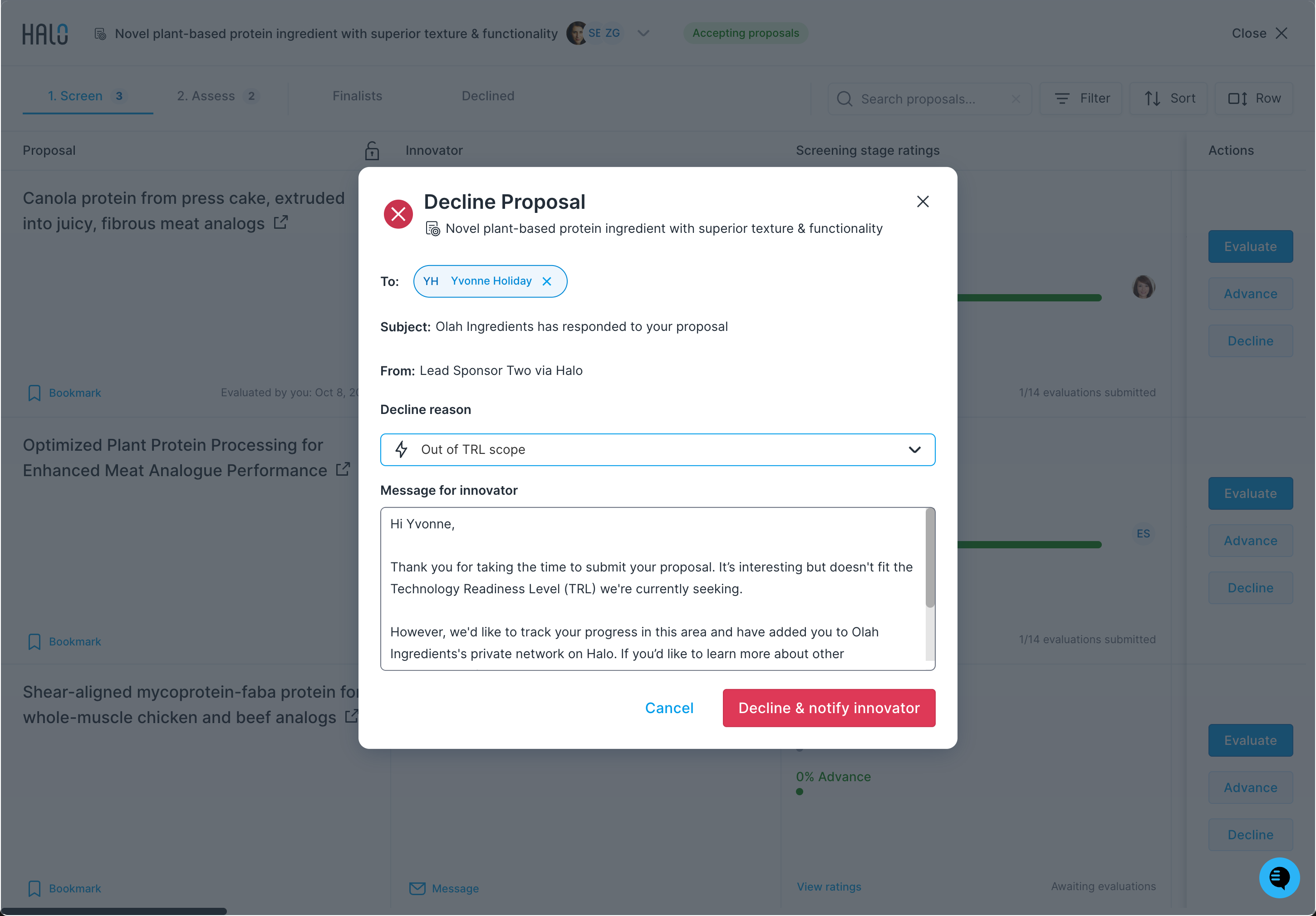
Provide feedback to complete the decline process. You can use one of Halo's premade decline templates, or contact your Customer Success Manager to add additional custom templates for easy access.
The decline dialog shows the To, Subject and From fields, a Decline reason dropdown, and a Message for innovator box. Choosing a template fills in a personalized message, which you can edit before clicking Decline & notify innovator.
When you select a finalist, you and the innovator will receive each other’s email addresses. For confidential requests, only you receive the innovator’s email, and your company isn’t revealed.
Best practice: After—or while—your review team provides feedback, it's a good idea to promptly decline all proposals that are clearly not a fit and advance proposals that show some promise, even if you're not certain. This ensures a quick initial response for innovators and helps keep them engaged.
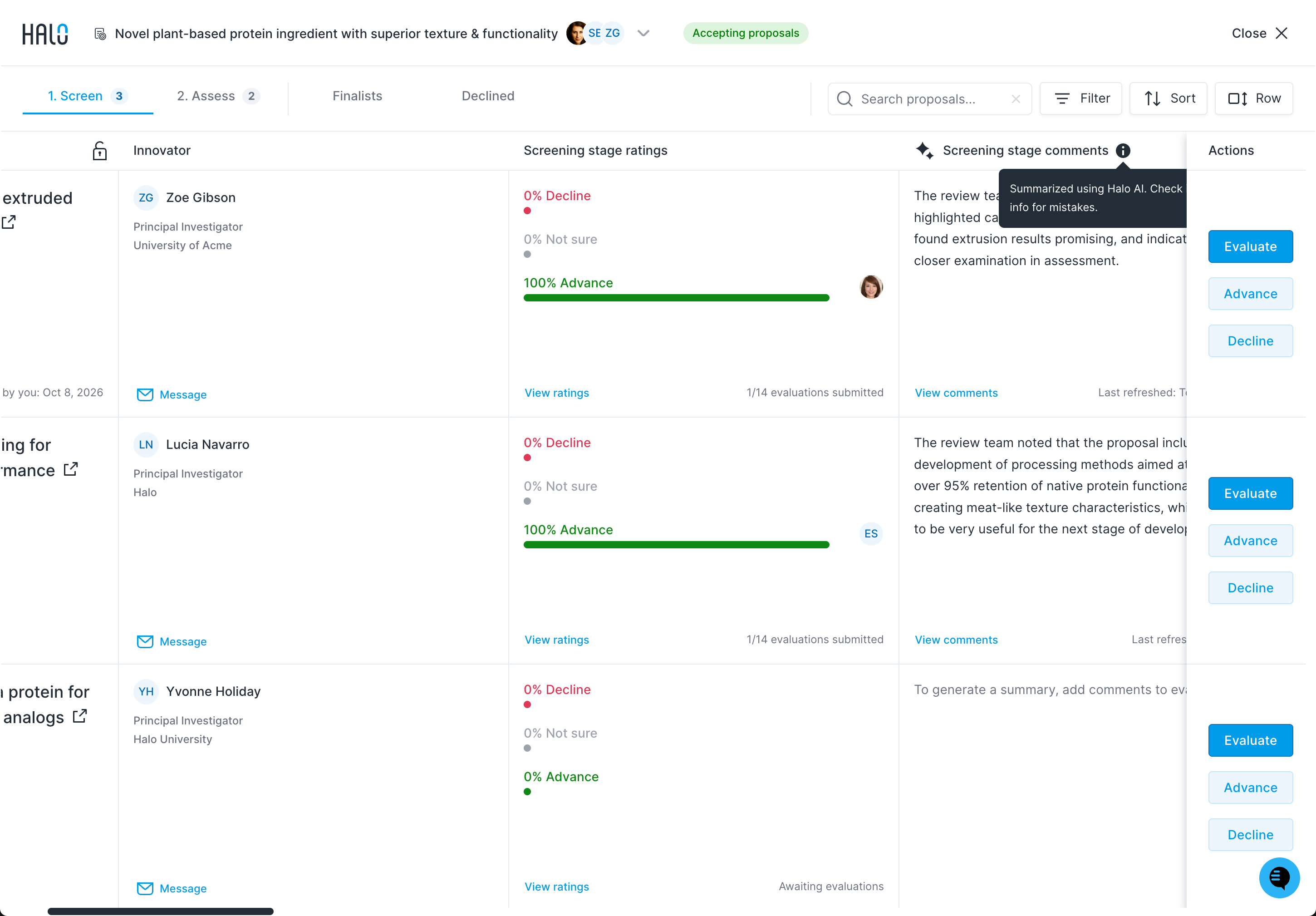
Before you write a decline message, check the Screening stage comments column on the grid (marked with a sparkle icon). Halo AI summarizes what your review team said about each proposal there. Use it as a starting point to personalize your decline message, so the innovator hears the substance of your team's feedback. The summary is written for your team, so rewrite it for the innovator, and check it for mistakes: the tooltip notes it's "Summarized using Halo AI. Check info for mistakes."
Click the 2. Assess tab to view all proposals that have been advanced to the second review stage on Halo.
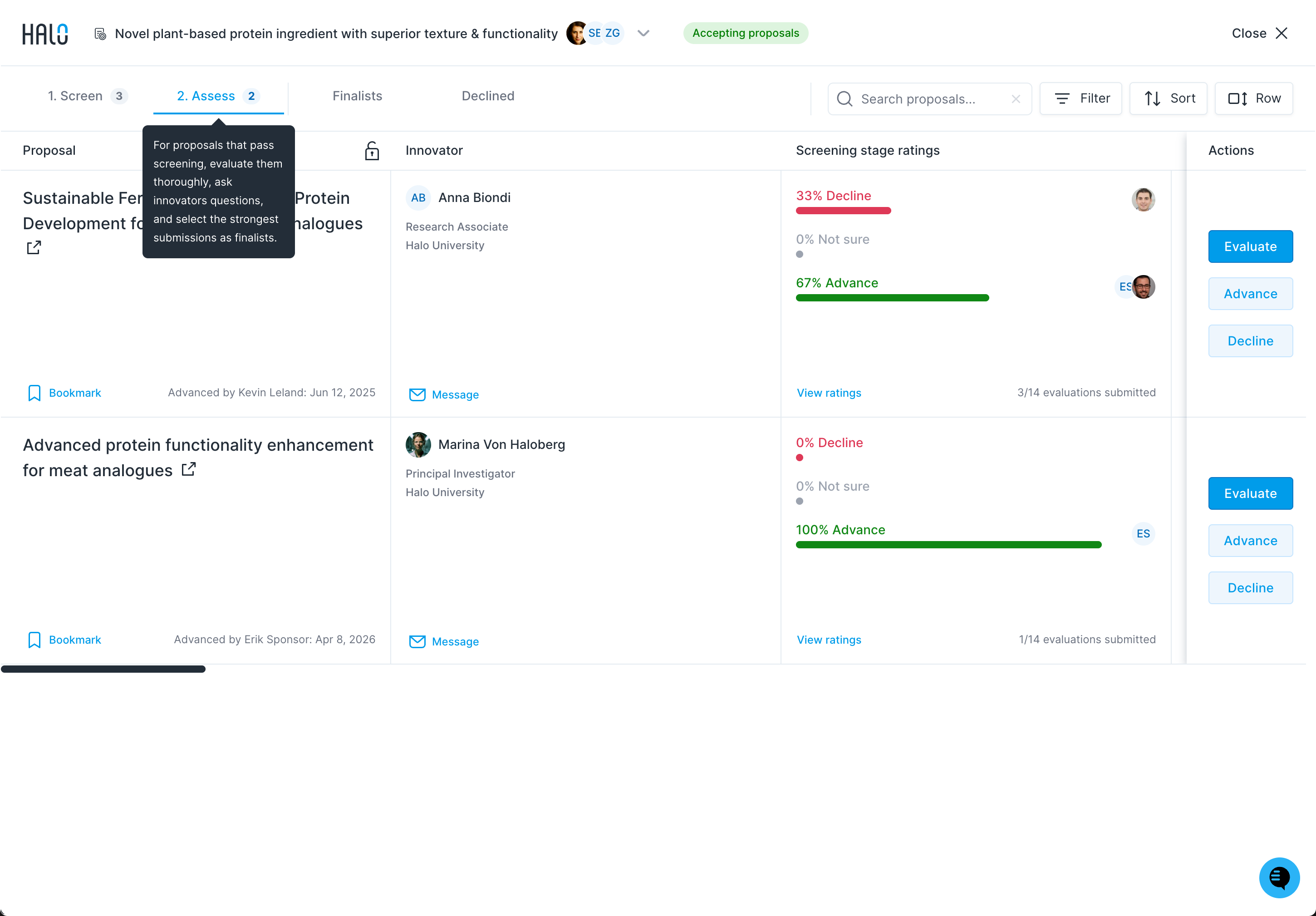
Best practice: During the assessment stage, you and your review team should conduct a thorough evaluation using the advanced scorecard. This is your opportunity to dive deeper into the proposal’s merits, message the innovator with clarifying questions, or schedule a call to gather the information needed to decide if you'd like to select them as a finalist. (Note: Do not request confidential information, as doing so violates our Terms of Service and community guidelines.)
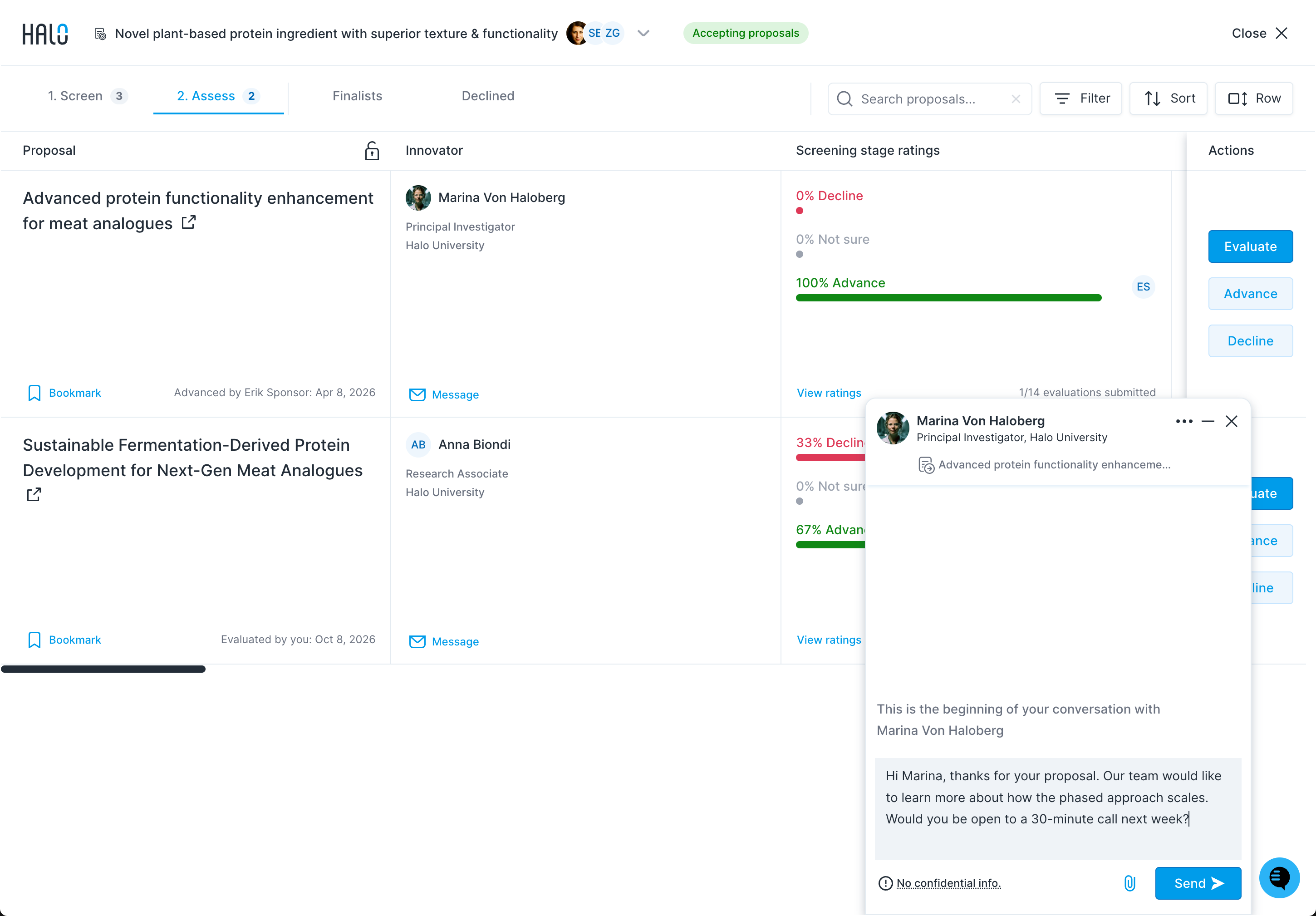
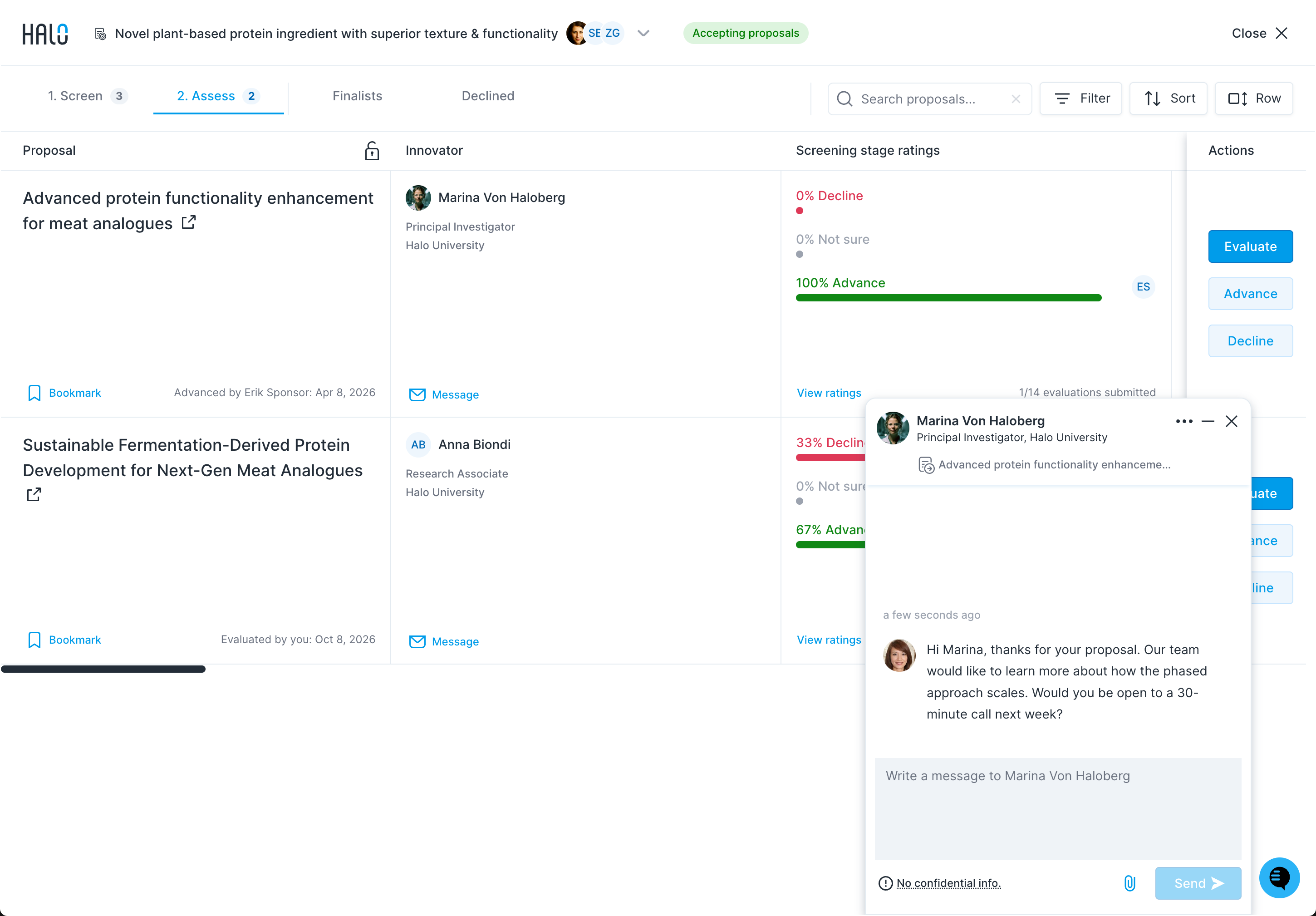
Click the Message button to contact an innovator for additional information, to schedule a call, or to request files and attachments that can help inform your review process. The message panel shows a No confidential info reminder.
Best practice: Finalists—selected by clicking Advance in the in the 2. Assess tab—should represent the highest-potential proposals. Selecting a finalist does not guarantee the selected innovator a partnership, but it does commit you to follow up directly with them to continue exploring the proposal off-platform. All other proposals should be declined promptly to ensure every innovator receives a clear response.
To complete the review process, move each proposal through screening and assessment until it's either declined or selected as a finalist.
Tip: You can screen, assess, and select a proposal as a finalist as soon as it's submitted—or while others remain in the screening stage. However, you must advance or decline all proposals from each stage before the stage's deadline. This deadline will be shared with you in-app and via email when your review process begins.