Building a Review Team for a Request (for Leads)
Last updated: October 11, 2026
In this guide, we'll walk you through the process of building your review team for a request.
Navigate to https://www.halo.science/reviewer_dashboard
Click the team member icons in the Review team column on the Partnering Requests page.

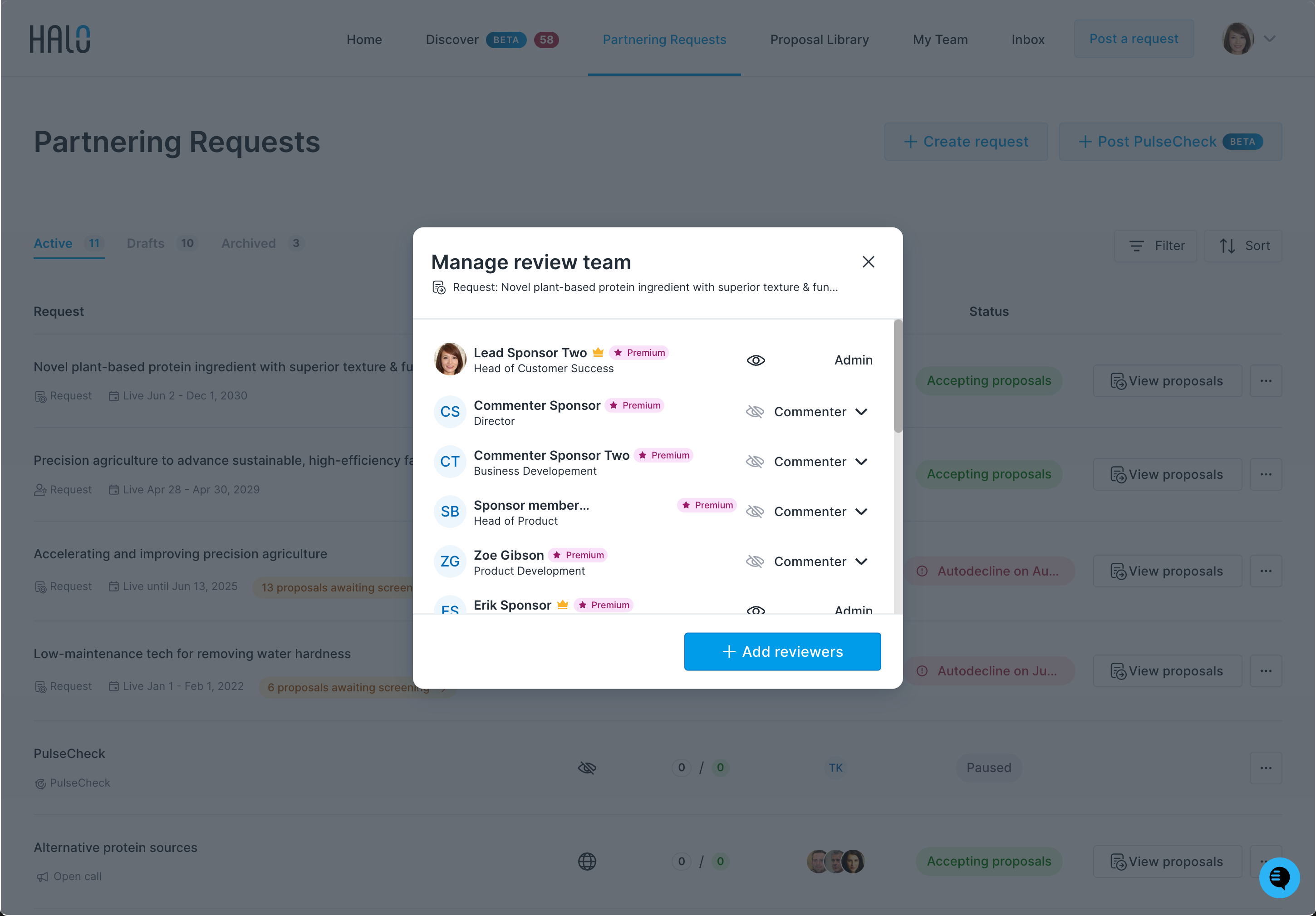
Review existing members of the review team and their permissions. To add new members, click the Add reviewers button.
Choose Commenter or Lead from the dropdown. Each option describes what that role can do.
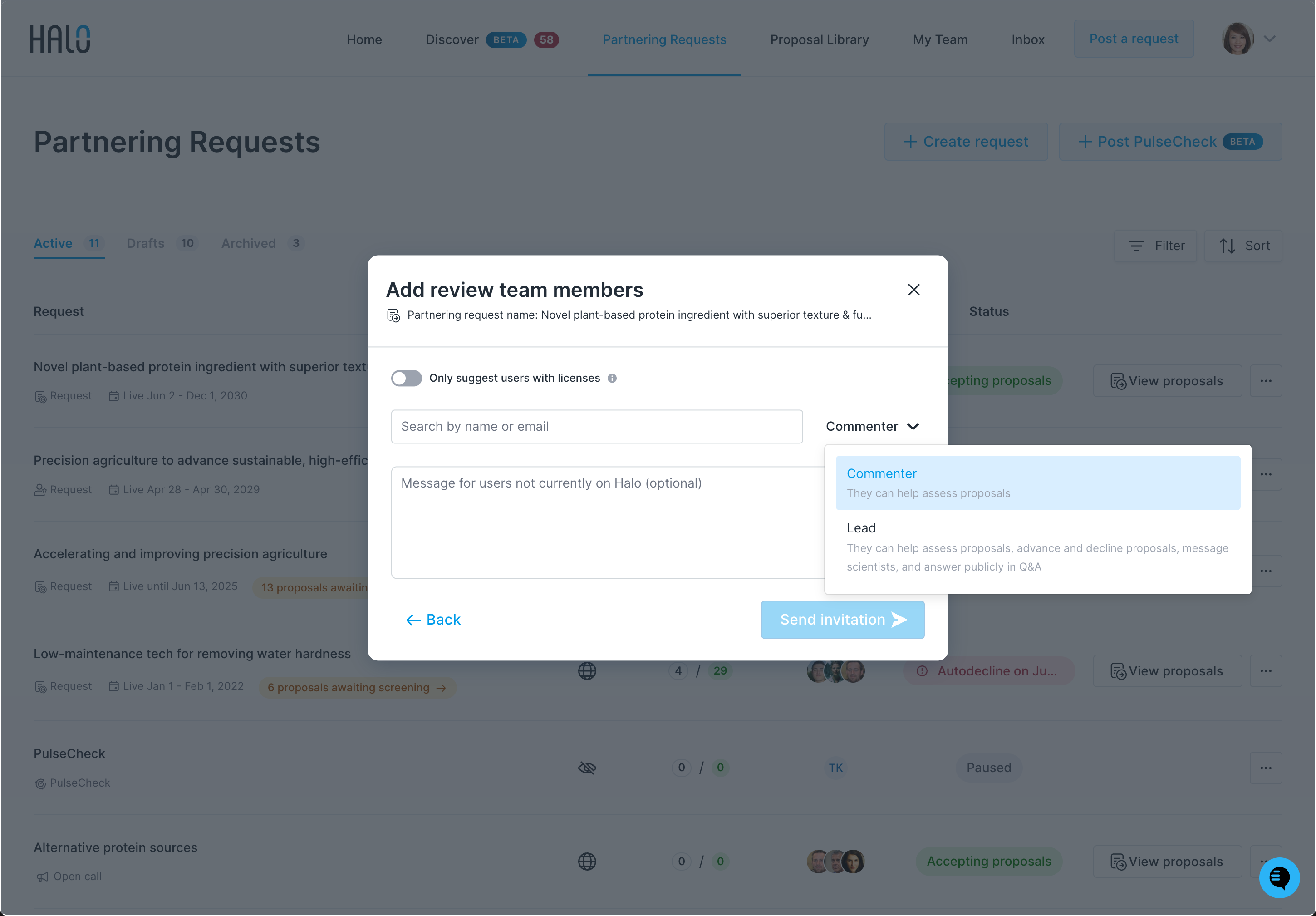
In the Add review team members form, you can turn on Only suggest users with licenses, and add an optional message for people who aren’t on Halo yet. Click Send invitation.