Discover (Beta)
Last updated: March 18, 2026
Discover is your personalized homepage on Halo for exploring relevant technologies, innovators, and organizations—without any commitment.
It helps you stay current on highly specific topics in your field, spot emerging solutions early, and decide when (or if) you want to engage.
Why use Discover?
New solutions are launched every day by startups, universities, and industry players. Discover brings the most relevant ones to you in a structured, personalized feed—so you don’t have to search for them.
Use Discover to browse freely, find inspiration for partnering requests, or connect directly with innovators when something stands out. You’ll also receive a Discover digest every couple of weeks highlighting relevant innovators and solutions—so you stay informed even when you’re not actively browsing.
How Discover works
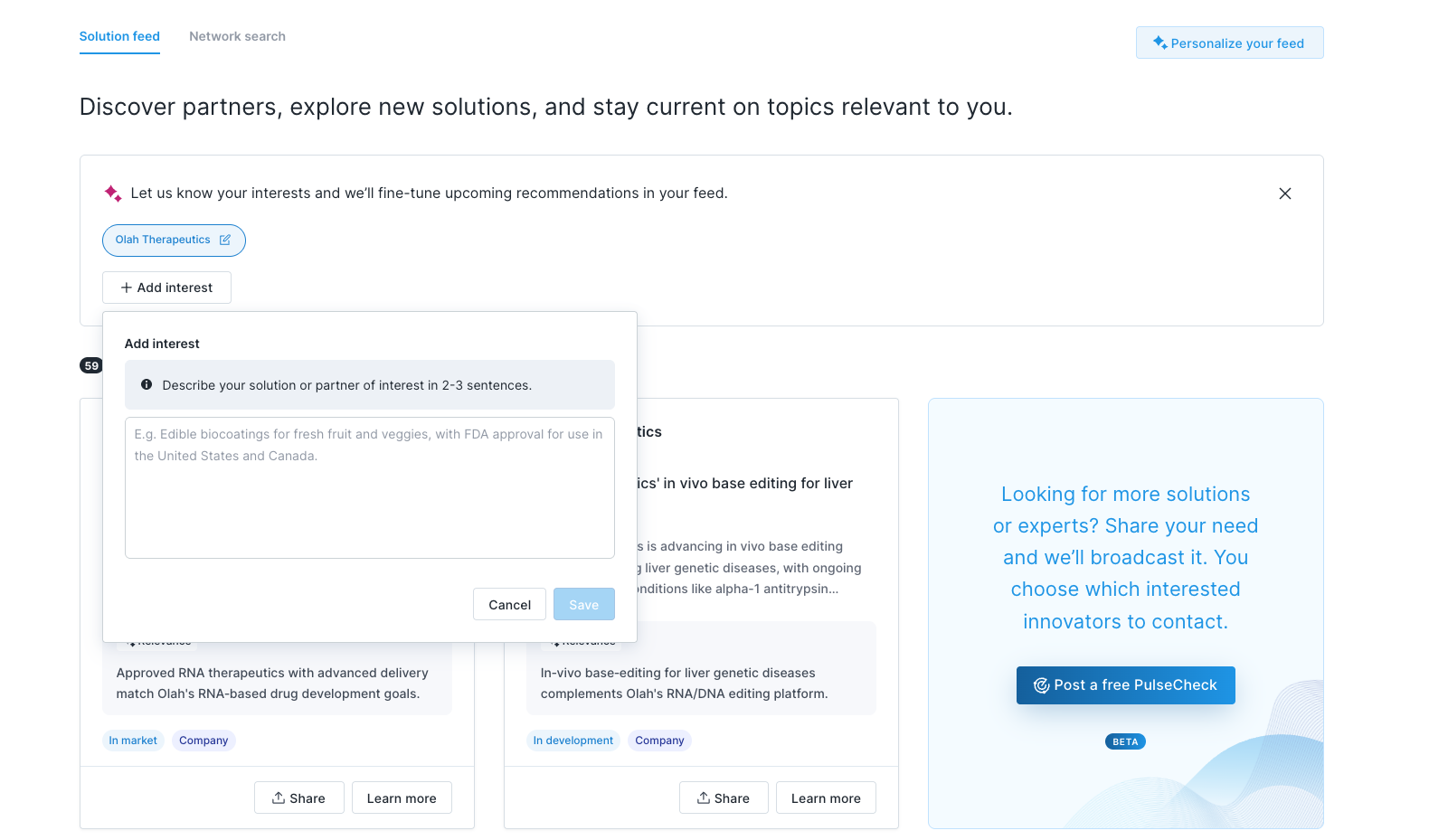
Personalize your feed
Add interests to tell us what matters to you. Each interest is a short (2–3 sentence) description of a solution, technology, or partner you want to see more of. The more specific you are, the better your recommendations.
Explore Discover
Discover shows technologies and innovators matched to your interests. You can browse and share listings with your team.
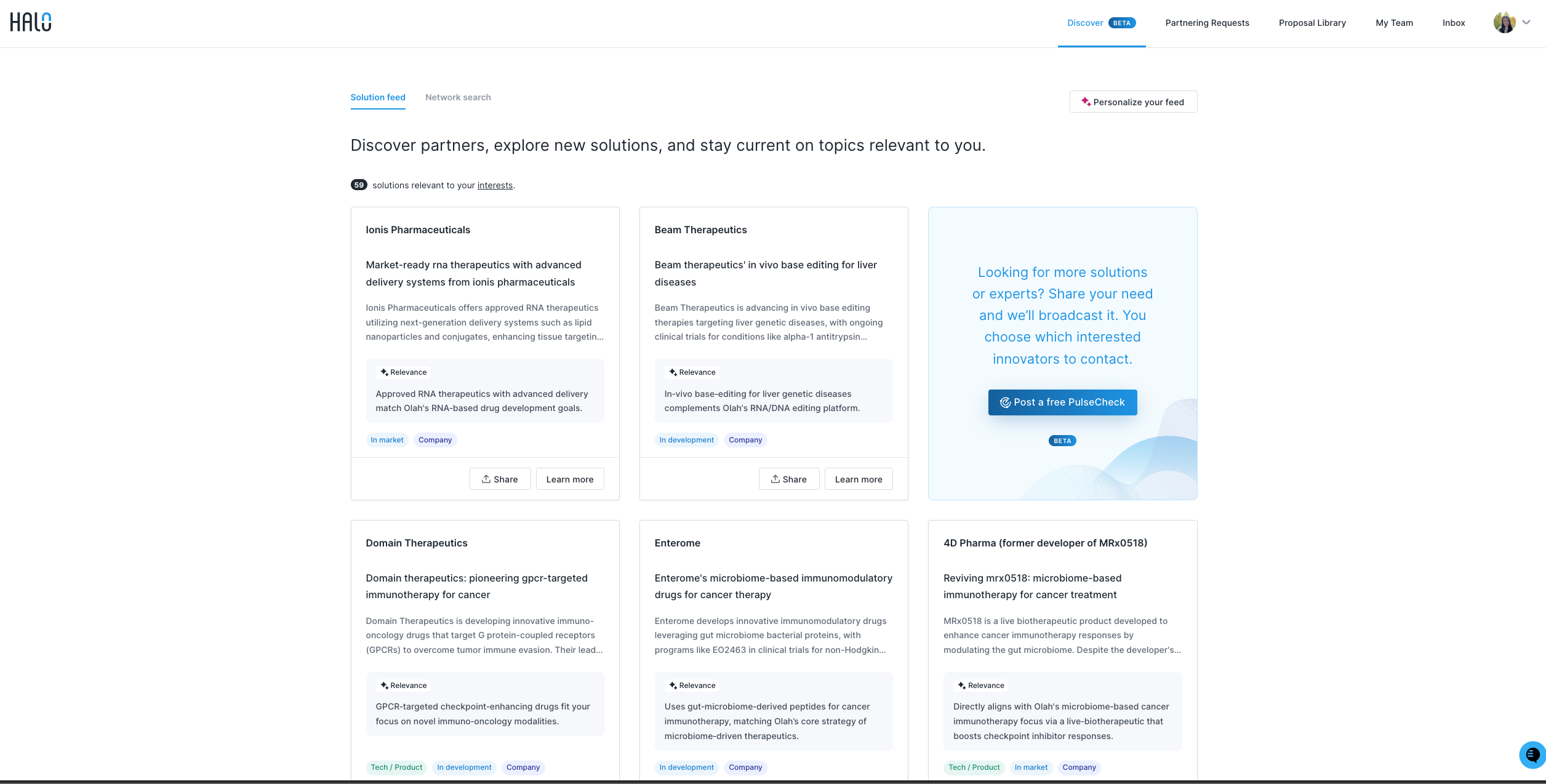
Discover has two tabs:
Solution feed: Displays relevant listings based off of the interests you have shared with us. The more specific you are, the better your recommendations.
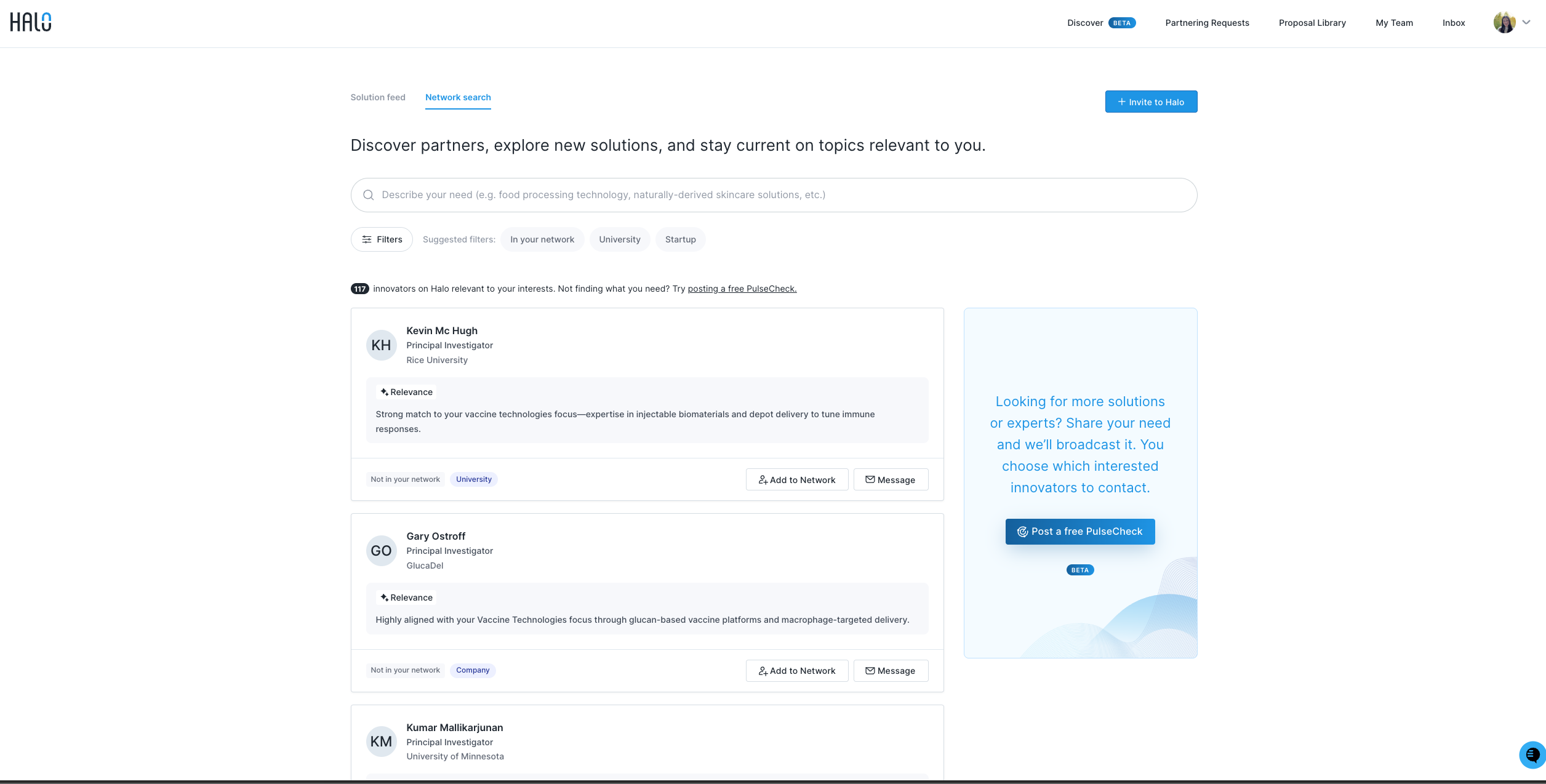
Network search: Allows you to find and message innovators actively seeking to partner, or add them to your company's network. Innovators already in your network are marked with In network in the top right of their profile card.
Connect when ready
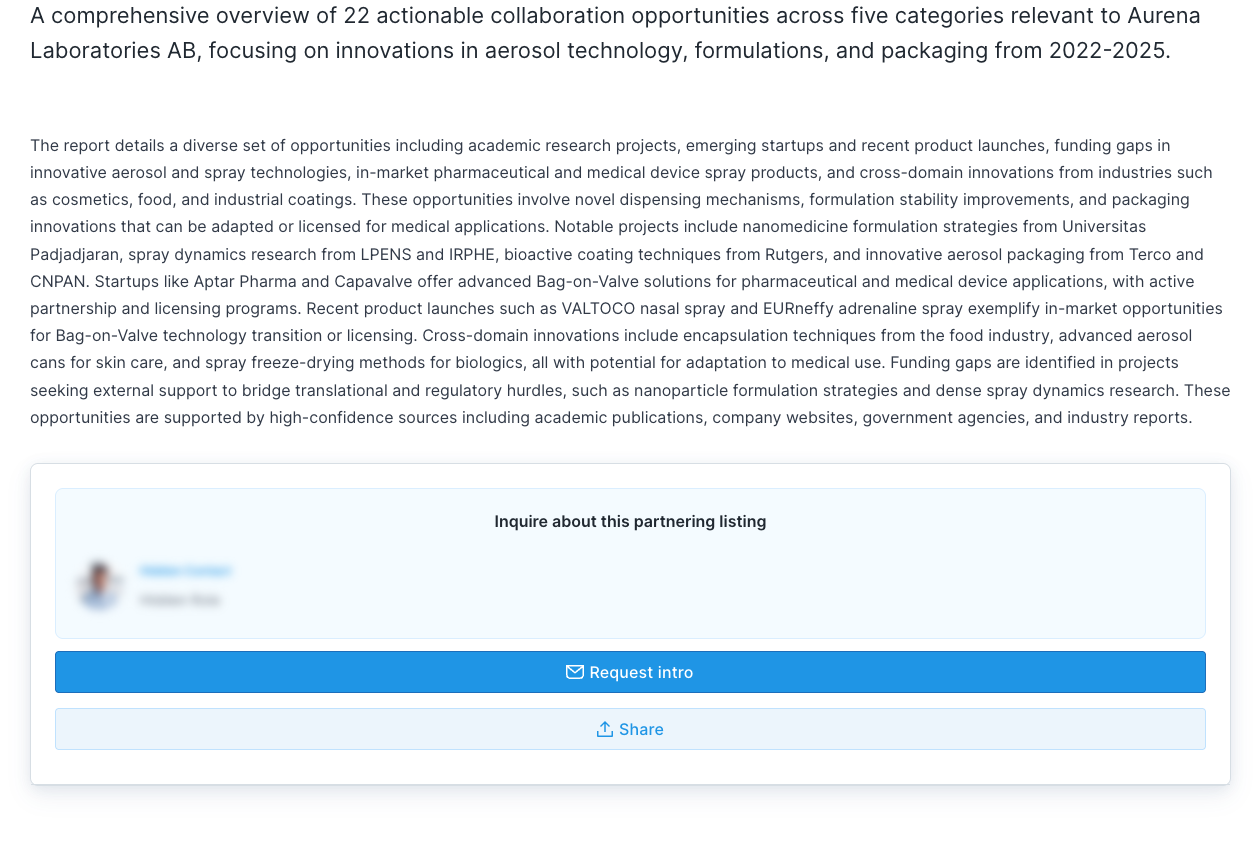
If a listing stands out, you can request an introduction to the innovator behind it. While Discover is in beta, our team will reach out on your behalf—you just share why you’d like to connect.
You can also connect directly from the Network search tab by messaging innovators actively seeking to partner or adding them to your company’s network (look for In network on profiles you’re already connected with or use the In your network filter at the top).