External Partnering Tools for Corporate Sponsors
Last updated: April 16, 2026
Halo supports external partner discovery and sourcing at every stage of innovation: from early exploration to decision-ready partner selection.
Corporate teams often need different tools at different moments. Not every idea is ready for a full Partnering Request, and not every question requires outreach. Halo’s partnering tools are designed to scale effort only as clarity increases.
The Four Partnering Tools at a Glance
Halo offers four tools for external partnering:
Discover: Solution Feed (Beta): Explore what’s possible
Discover: Network Search (Beta): Actively explore and directly connect
PulseChecks (Beta): Test interest and shape the ask
Partnering Requests: Run a structured, decision-ready search
You can start at any stage and move through these tools progressively.
1. Discover: Solution Feed
Explore the landscape before you commit
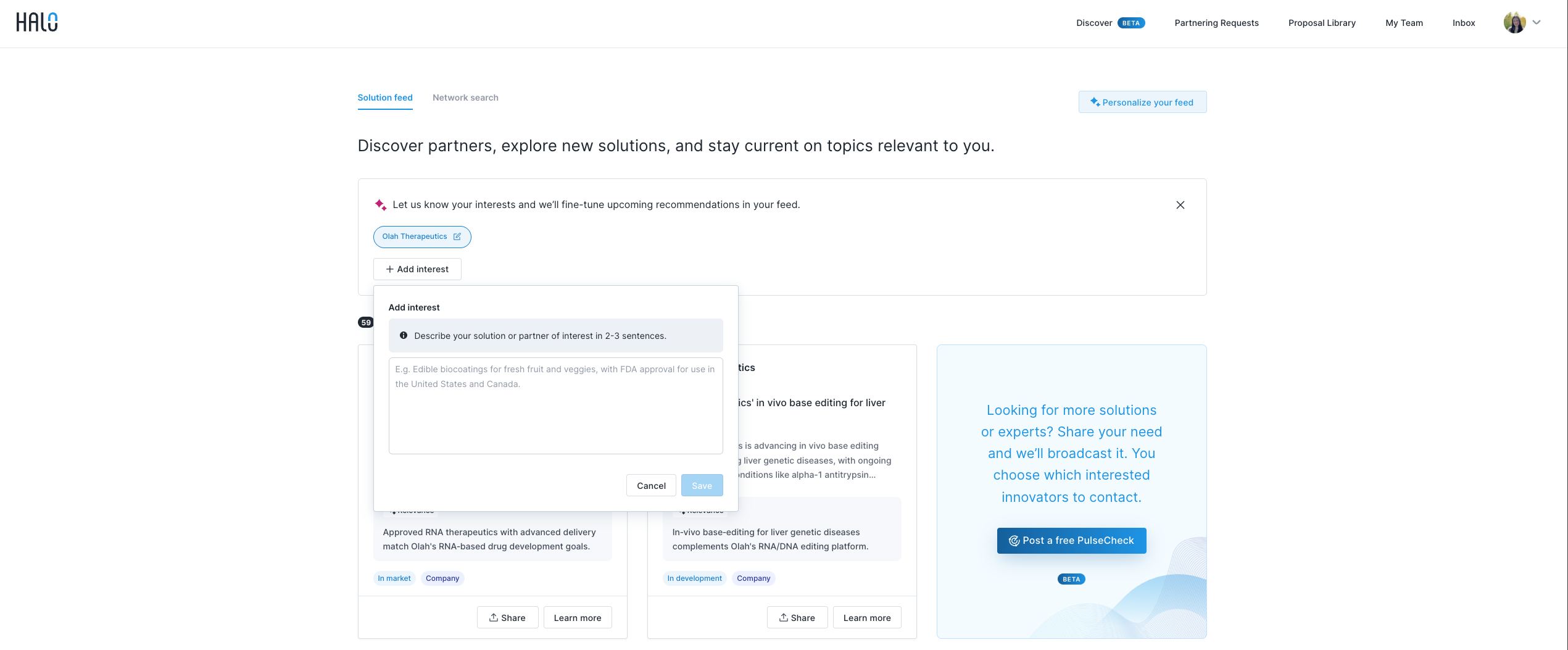
What it is
A personalized feed of innovators, technologies, and solutions relevant to your business, interests, and activity on Halo.
When to use it
Use Discover when you are:
Exploring a new topic, technology, or trend
Learning what approaches already exist
Building context before defining a specific need
How it works
Halo continuously surfaces relevant innovators based on your profile and activity
No request or outreach is required
What to expect
Passive discovery only (no responses or proposals)
A low-effort way to stay current and informed
A strong foundation before engaging externally
How to Get Started
Navigate to Discover → Solution Feed
Customize your feed by adding key areas of interest
Explore your feed to discover relevant partners and technologies
Save listings you want to revisit by clicking the Save button on any card
View your saved listings by selecting the Saved filter at the top of your Solutions feed
Request a no-commitment introduction to learn more about a potential partner
2. Discover: Network Search
Proactively identify and connect with innovators
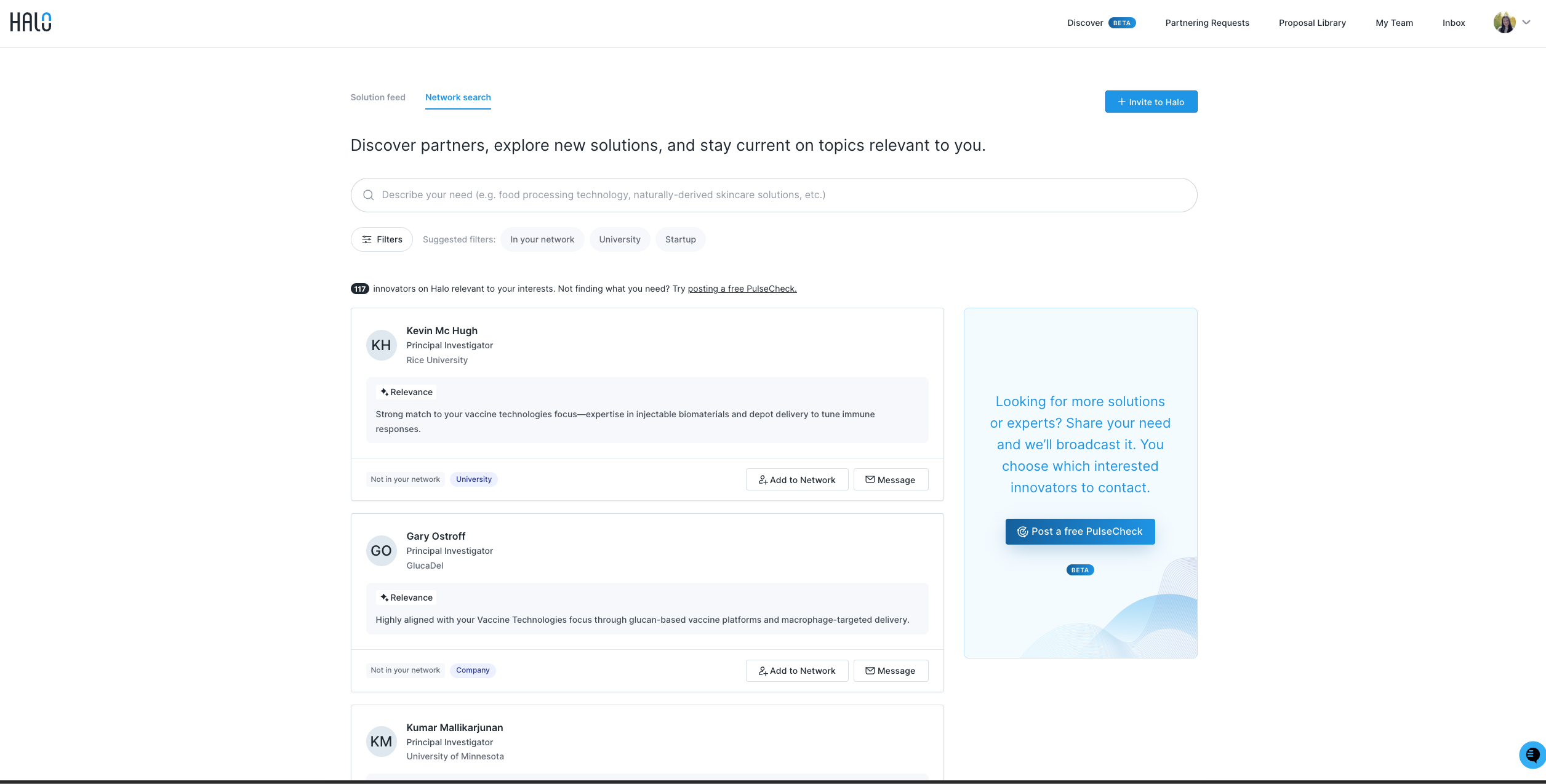
What it is
A searchable directory of innovators on Halo’s marketplace, designed to help you quickly find relevant researchers, founders, and technical experts.
Network Search gives you direct access to profiles across disciplines, institutions, and geographies—so you can identify potential partners and initiate conversations on your timeline.
When to use it
Use Network Search when you:
Know the type of expertise or capability you’re looking for
Want to proactively identify potential partners
Prefer direct outreach instead of posting a request
Want to explore innovators already connected to your company
How it works
Search by name, keyword, or area of expertise
Use filters (e.g., country, organization type, network status) to narrow results
Identify innovators already connected to your company via the “In Network” marker
Click into profiles to review background, expertise, publications, funding, and partnership interests
Send a message directly or invite an innovator to join your company’s network
Note: To see innovators in your company’s private network, apply the Network filter within Network Search. This filter allows you to view only those already connected to your organization.
What to expect
Immediate visibility into relevant experts
The ability to tailor your search using filters
Direct, one-to-one outreach
A lightweight way to expand or activate your company’s innovation network
How to Get Started
Navigate to Discover → Network Search
Enter a keyword or area of expertise
Apply filters to refine results
Review profiles and reach out directly
3. PulseChecks (Beta)
Validate interest before investing internal resources
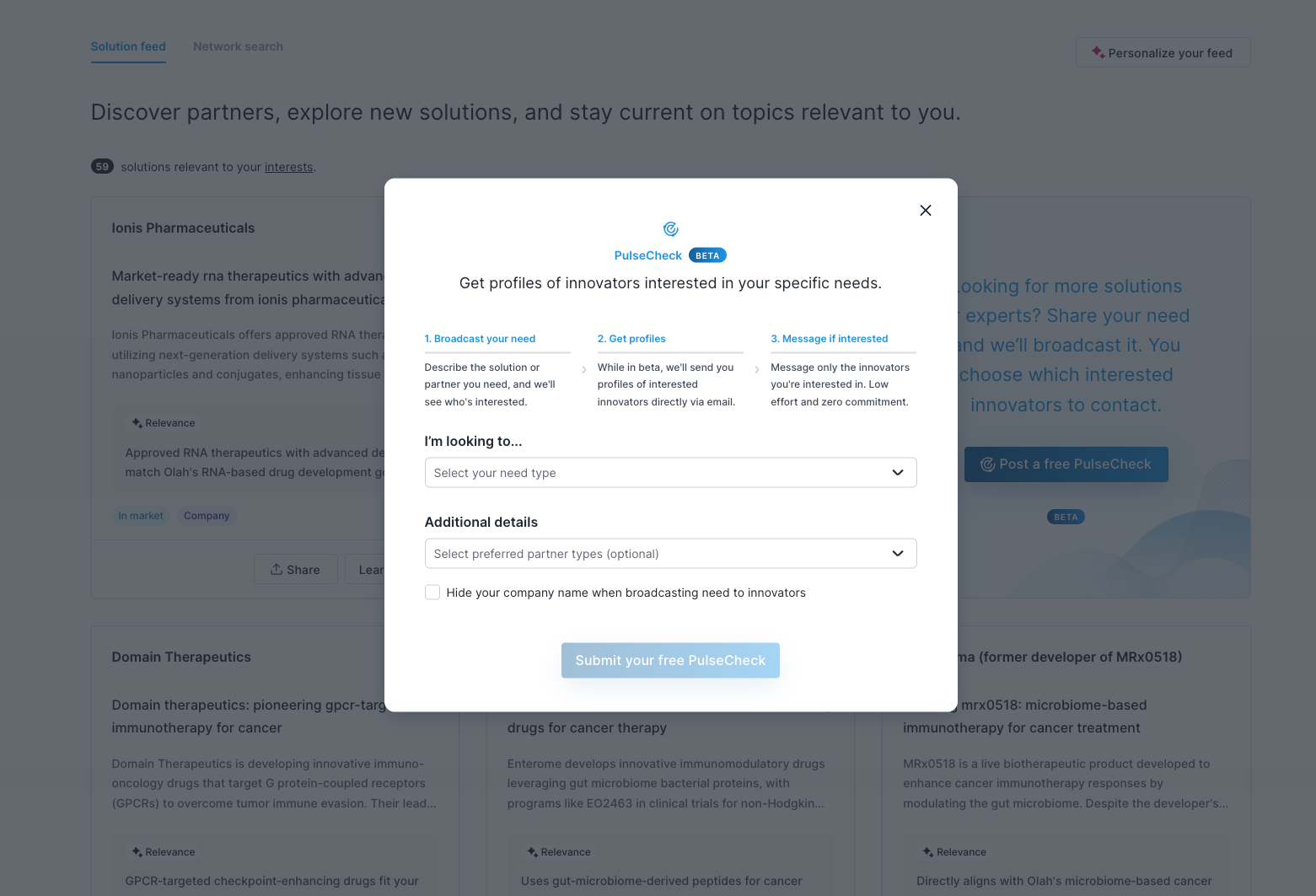
What it is
A free, low-effort way to test interest in a potential partner or solution—without proposals, commitments, or formal requirements.
PulseChecks are designed to provide early signal and help you understand who might be relevant before launching a full Partnering Request.
When to use it
Use a PulseCheck when you:
Have an early-stage need or idea
Want to see who might be interested
Need signal to refine the problem or align internally
Aren’t ready to define timelines, funding, or requirements
How it works
Post a short (2–3 sentence) description of your need
Halo broadcasts it to relevant innovators
Interested innovators raise their hand
You receive profiles and choose who to contact
What to expect
You receive profiles, not proposals
No obligation to respond or move forward
No commitment from either side
Responses vary based on clarity and whether your company name is visible
Note: Anonymous PulseChecks typically receive ~30–40% fewer responses, as innovators have less context about the opportunity.
How to Get Started
Navigate to Discover and click Post a free PulseCheck
Write a 2–3 sentence description of what you’re looking for
(Optional) Select partner type or solution readiness
Submit and review interested profiles via email
4. Partnering Requests
Run a structured, decision-ready sourcing process
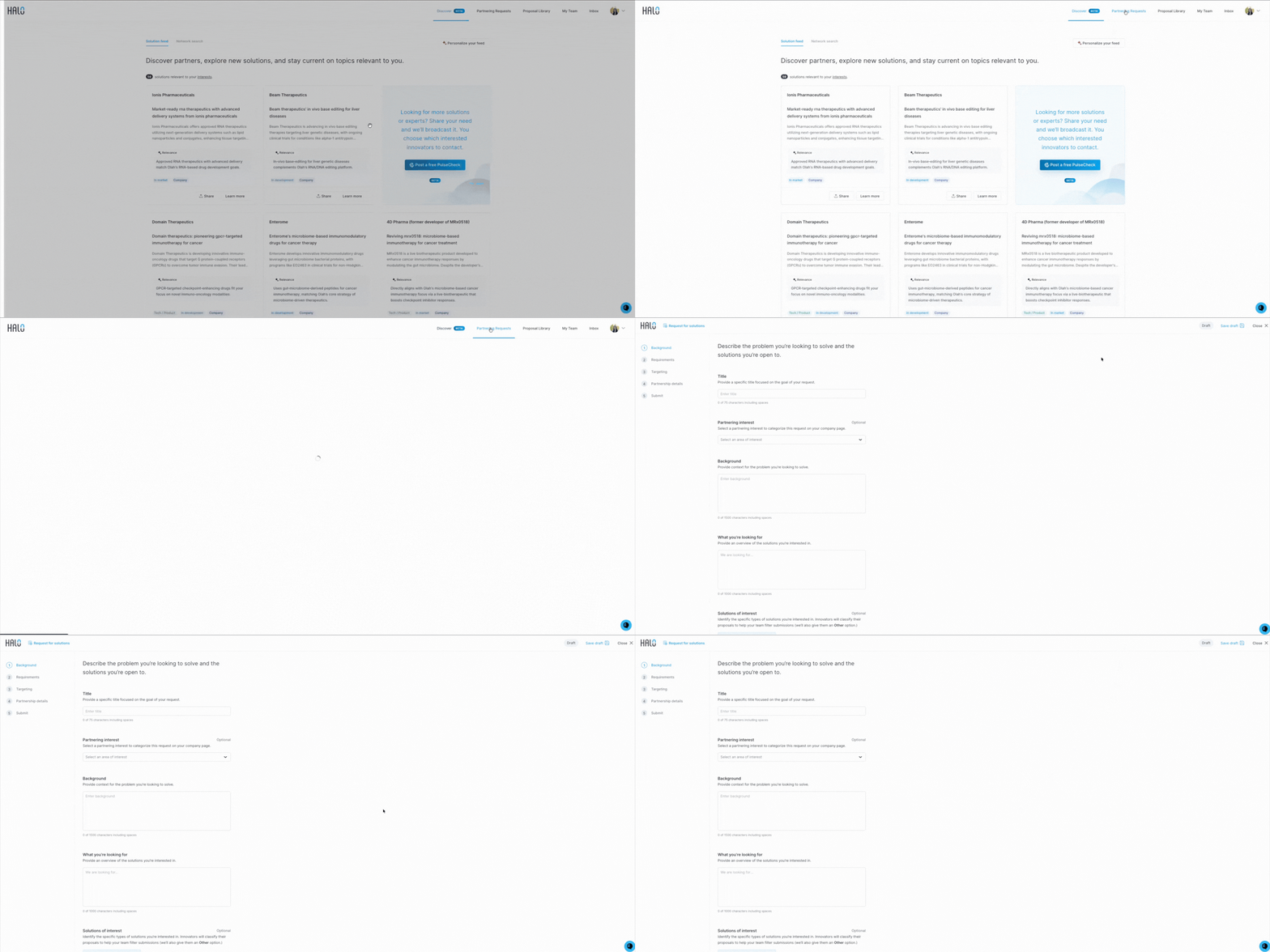
What it is
A time-bound, well-defined request for solutions or partners, designed for evaluation and selection.
Partnering Requests leverage Halo’s proposal review system to centralize feedback, involve the right subject matter experts, and move from proposals to decisions quickly.
This is the most structured and decision-ready tool on Halo and is intended for situations where you plan to move forward with one or more partners.
When to use it
Use a Partnering Request when you:
Have a clearly defined problem or opportunity
Are ready to evaluate multiple solutions
Need to coordinate input across technical, commercial, and innovation teams
Want to make decisions efficiently and with confidence
Intend to move forward with one or more partners
How it works
You draft the request by filling out the brief to the best of your ability
You submit the draft for Halo’s team to review and provide feedback
Halo works with you to refine the request before publishing
Innovators submit proposals through Halo
Halo’s proposal review system centralizes all reviews, scores, and comments
You can easily invite the right SMEs to review specific proposals or criteria
Halo supports outreach, scouting, and review throughout the process
If there are additional criteria or considerations you would like Halo’s team to be mindful of that are not explicitly captured in the brief, notify your Customer Success Manager. They will ensure this information is incorporated into the scouting and outreach process.
What you get
A curated set of proposals
A centralized review workspace for your full internal team
Side-by-side comparisons using Halo’s proposal review tools
Faster alignment across stakeholders and clearer decision-making
Documentation that supports internal approvals and next steps
How to Get Started
Click Draft a Request
Complete the brief to the best of your ability
Submit the draft for Halo’s team review and feedback
Work with Halo to finalize and publish the request
How These Tools Work Together
Most corporate sponsors use Halo progressively:
Network Search – Proactively identify and connect
Solution Feed – Learn what’s possible
PulseChecks – See who’s interested and sharpen the ask
Partnering Requests – Select the right partner with confidence. You can start anywhere, but effort increases only as clarity increases.
Not sure where to start?
Match the tool to the maturity of the problem, not the urgency to “do something.”
If you’re unsure which tool fits your situation, reach out to support@halo.science or chat with our team live in the Halo platform. We’re happy to help you choose the right next step.